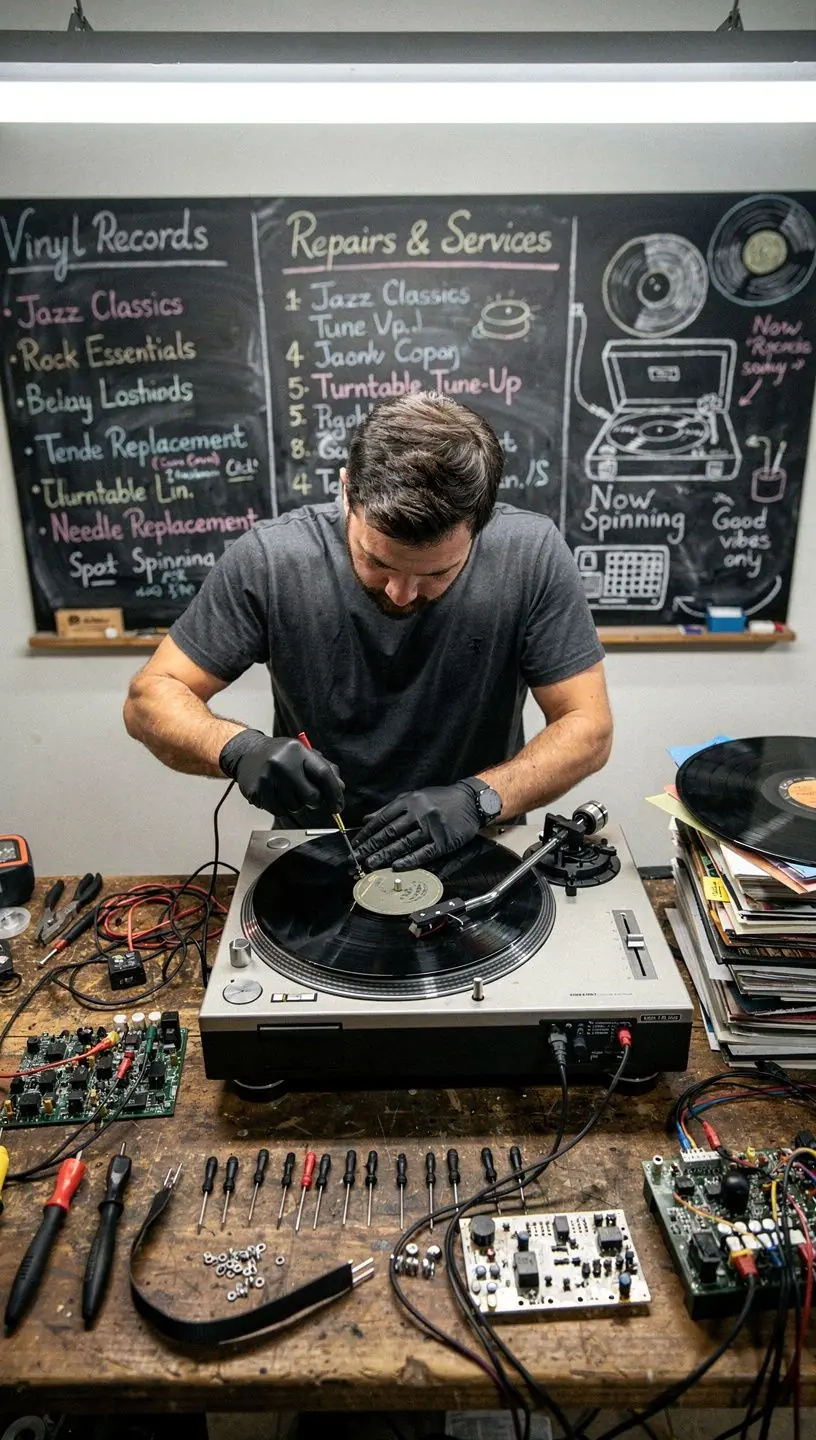
Troubleshooting Speed Issues in Vinyl Playback
Vinyl records offer a unique sound experience, but speed issues can detract from this enjoyment. Understanding common causes and solutions can help ensure optimal playback. This article explores effective troubleshooting methods for speed issues in vinyl playback.
Understanding the Basics of Turntable Speed
Vinyl turntables typically operate at two standard speeds: 33 1/3 RPM and 45 RPM. The choice of speed depends on the record format, with most LPs designed for 33 1/3 RPM and singles often played at 45 RPM. Ensuring the correct speed is vital for preserving the audio quality, as speed discrepancies can lead to distorted sound.

"Maintaining the correct speed is essential for achieving the intended audio fidelity on vinyl records."
Common Causes of Speed Issues
Several factors can contribute to speed variations in vinyl playback. Here are some common causes:
- Motor Issues: The motor is responsible for maintaining the platter speed. If the motor is malfunctioning, the speed can fluctuate. Many users report that a dirty or worn motor can lead to inconsistent performance.
- Belts and Drive Mechanism: Turntables that use belts to drive the platter may experience speed issues if the belt is stretched or worn. According to experts, replacing worn belts is a standard maintenance practice that can restore proper speed.
- Calibration and Setup: Incorrect setup can also cause speed discrepancies. Ensuring that the turntable is level and calibrated according to manufacturer specifications is crucial. Research indicates that calibration can significantly improve playback quality.
Troubleshooting Steps
To address speed issues effectively, consider the following steps:
- Inspect the Belt: Check the drive belt for signs of wear or stretch. If it's damaged, replacing it typically restores proper speed.
- Clean the Motor: Dust and debris can affect motor performance. Carefully cleaning the motor may resolve speed inconsistencies.
- Level Your Turntable: Use a bubble level to ensure your turntable is perfectly horizontal. This simple adjustment can often resolve playback issues.
- Consult the Manual: Refer to the manufacturer's manual for specific calibration instructions tailored to your model. Following these guidelines can help ensure accurate speed settings.
When to Seek Professional Help
In many cases, users can resolve speed issues with a bit of effort and attention to detail. However, if you encounter persistent problems or are unsure about performing repairs, it may be wise to consult a vinyl turntable repair professional. According to industry standards, professional diagnostics can identify underlying issues that may not be apparent during a DIY inspection.
Conclusion
Addressing speed issues in vinyl playback is crucial for an enjoyable listening experience. By understanding the common causes and following practical troubleshooting steps, you can often resolve these problems effectively. If difficulties persist, seeking professional help can ensure your turntable is restored to optimal functionality. Remember, regular maintenance and calibration can help prevent future issues and enhance your vinyl listening experience.
Learn More